
WordPress Publishing
Send articles from SEOAuto to WordPress. Check your Auto-Publish Articles setting before enabling automatic publication.
Plan and review your articles in SEOAuto, then send them to WordPress. Choose your publishing settings and check the post on your site.
3 free articles — no card, no commitment
Version 1.2.1 • 164 KB • GPL v2
Real captures from the owner’s AB Solutions workspace. Topics, dates, counts, and scores are account examples, not customer results or promised performance.
The content calendar brings topics, keywords, dates, and article status into one view. See what is Ready and what is still Scheduled.
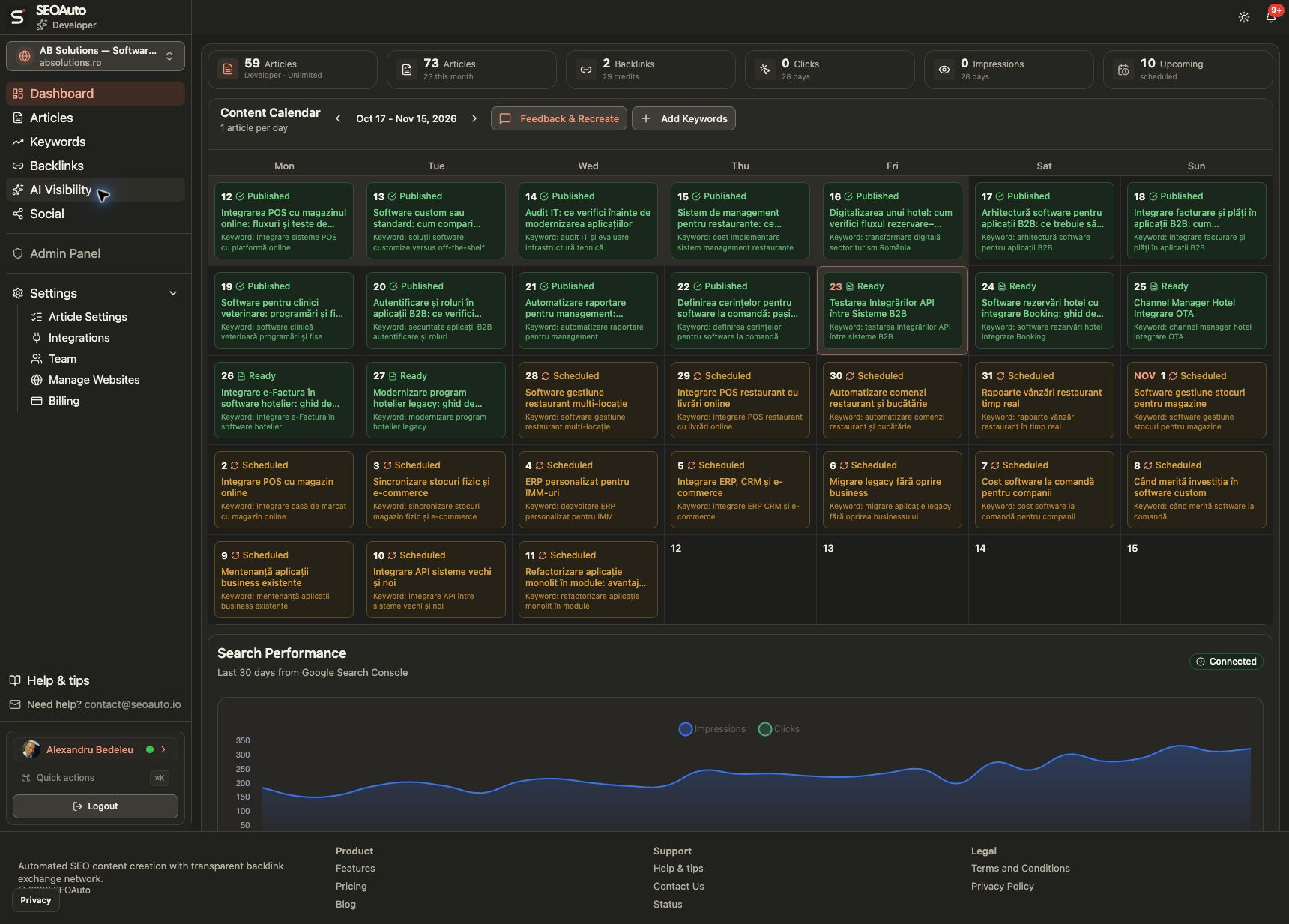
Open the content to review the text, images, and article details. Ready means it is available in SEOAuto; it does not confirm WordPress publication.
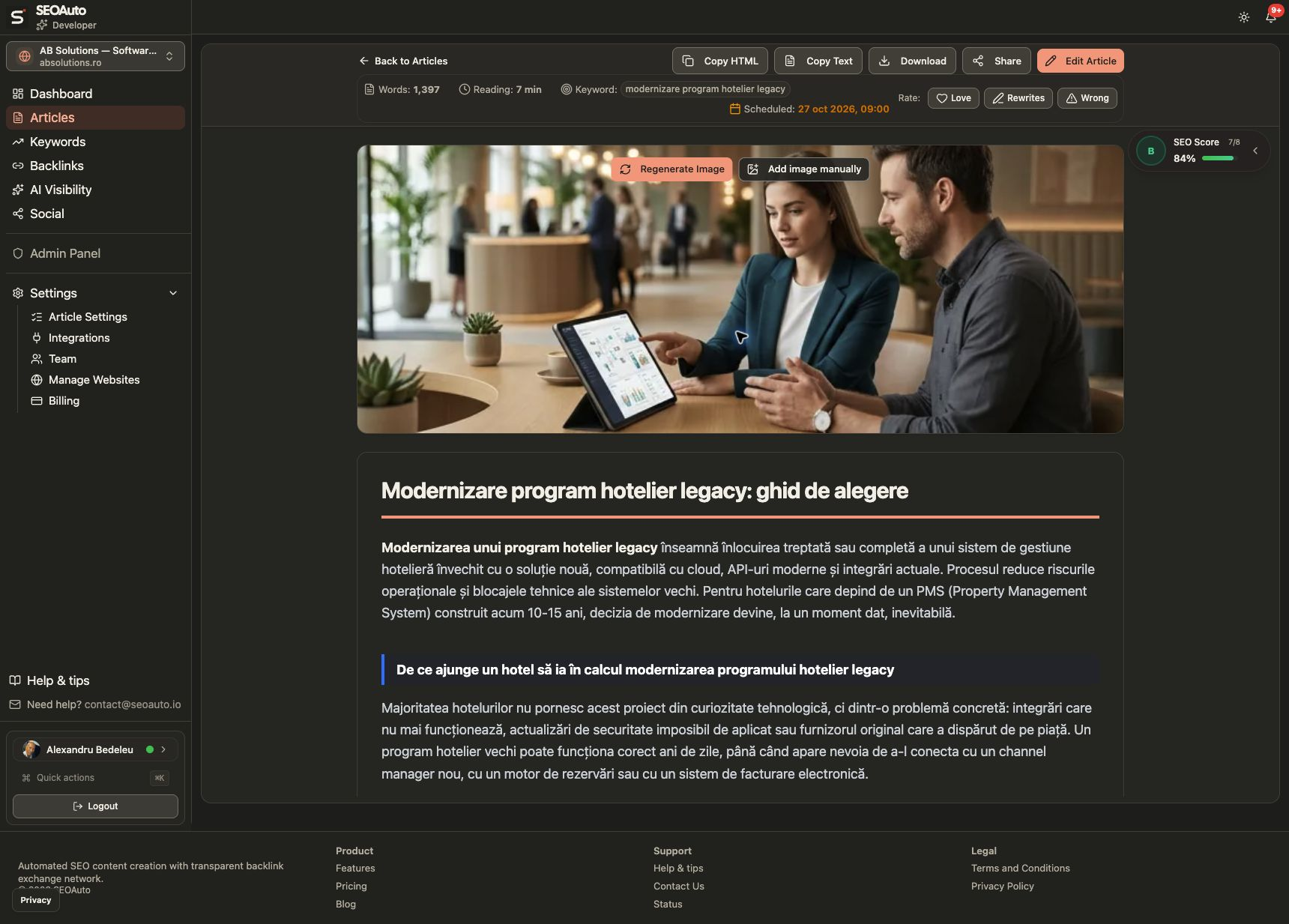
Connect your content workflow to WordPress, with publishing choices checked in SEOAuto.
Send articles from SEOAuto to WordPress. Check your Auto-Publish Articles setting before enabling automatic publication.
Connect your site with an API key, test the connection, and choose the default WordPress author and category.
Pass meta descriptions and focus keywords to Yoast SEO, Rank Math, All in One SEO, or SEOPress.
Download and attach article featured images to your WordPress media library.
Receive articles through the integration or request a sync. Syncing or republishing can update an existing WordPress post.
The plugin checks API credentials and limits requests to its WordPress REST endpoints.
Install the plugin, check the connection, then review Auto-Publish Articles in SEOAuto’s Article Settings before using publishing or sync controls.
Watch the connection tutorial (new tab)19-second walkthrough · English AI narration and captions.
Download the plugin ZIP file
Go to Plugins → Add New → Upload Plugin
Install and activate the plugin
Copy your key from SEOAuto → Settings → Integrations. Paste it into Settings → SEOAuto in WordPress, save, and test the connection.
Open Settings → Integrations in SEOAuto. Download the plugin and copy the WordPress API key. Keep the key private; paste it into Settings → SEOAuto in WordPress, save, and test the connection.
Deactivation does not remove the WordPress posts already created by the plugin. It stops the plugin from receiving and syncing content while inactive.
Yes. Review where you are editing and how you send the update: syncing or republishing from SEOAuto can replace content in an existing WordPress post. Editing an article in SEOAuto does not by itself confirm that the live WordPress page has changed. Check the destination after publishing or syncing.
Connected confirms the integration connection. Review Auto-Publish Articles in SEOAuto → Article Settings separately; turn it off if you want to review content before automatic publishing. A Ready article is available in SEOAuto, and a WordPress draft is not live. Check the actual WordPress post status and destination page.
We support Yoast SEO, Rank Math, All in One SEO (AIOSEO), and SEOPress. The plugin automatically detects which one you're using and sets meta descriptions and focus keywords accordingly.
Create and review your articles in SEOAuto, then connect WordPress for publishing.
3 free articles — no card, no commitment